 PPPP
PPPPFeatures
From quick fixes to advanced composition, PPPP brings the core of a professional editor to the browser — every feature free, no sign-up required.
Filters & color
Set the mood with a preset, then fine-tune every parameter.
- •Multiple built-in filter presets
- •Brightness / contrast / saturation control
- •Temperature, sharpen and blur
- •Revert to the original at any time
Crop & transform
Lock in the composition and aspect ratio for each platform.
- •Free and fixed-ratio crop (1:1, 16:9 and more)
- •Rotate, flip and straighten
- •Custom canvas size
- •Background fill color
Stickers & frames
Several built-in sticker packs, plus your own artwork.
- •Emoji, doodle, traffic and landmark packs
- •A range of borders and photo frames
- •Upload custom stickers or overlay images
- •Scale, rotate and reorder layers
Drawing & text
Annotate, doodle and typeset on the same canvas.
- •Free brush and eraser
- •Brush size, color and opacity
- •Multi-font text tool
- •Stroke, shadow and alignment
Layers & history
Step back from any complex edit without losing work.
- •Object list panel
- •Show / hide and select to locate
- •Reorder stacking
- •Undo, redo and reset to original
Export & privacy
Export matches the format you imported.
- •Export in the original format (JPG / PNG / WebP and more)
- •Download from the toolbar or the page header
- •Everything processed in the browser
- •Images never uploaded to a server
AI background removal
One click to cut out your subject — running entirely on your device.
- •Fully on-device AI segmentation — no uploads
- •Keep and erase brushes to fix the cut-out by hand
- •Grow or shrink the edge to recover hair or trim halos
- •Transparent PNG or solid-color background output
Smart export & presets
Get the right file for every destination, on the first try.
- •Format, quality and dimension controls
- •Live file-size estimate and preview
- •Social media size presets
- •One-click compress to a target file size
Drafts & history
Your work is safe, even if you close the tab.
- •Autosaved local drafts (IndexedDB)
- •Visual history strip with thumbnails
- •Click any step to jump back
- •Before / after comparison view
See it in action
Real workflows inside PPPP — no mockups, all screenshots from the live editor.
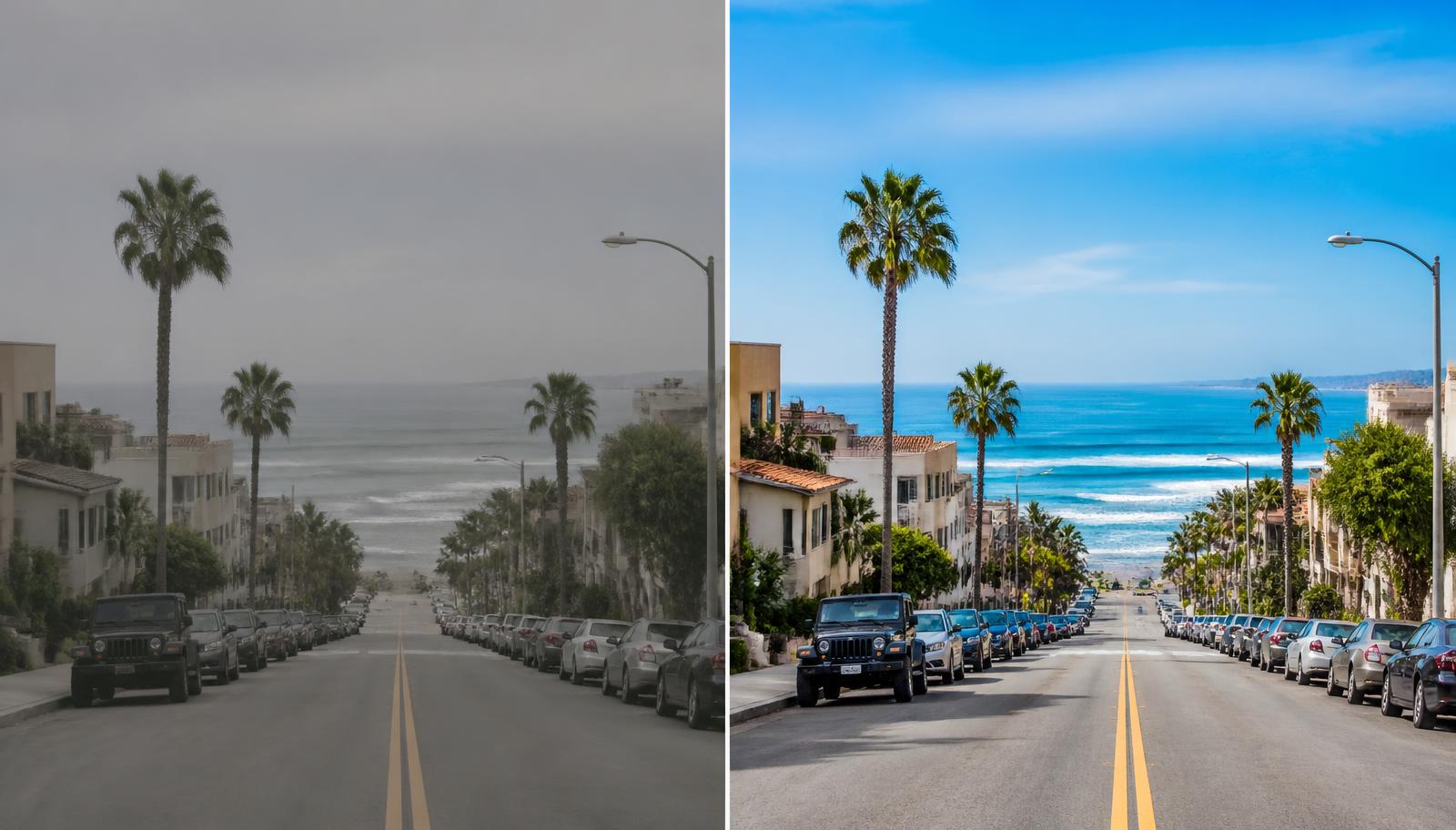
Before / after
Hold the compare button to check your edit against the original at any moment.
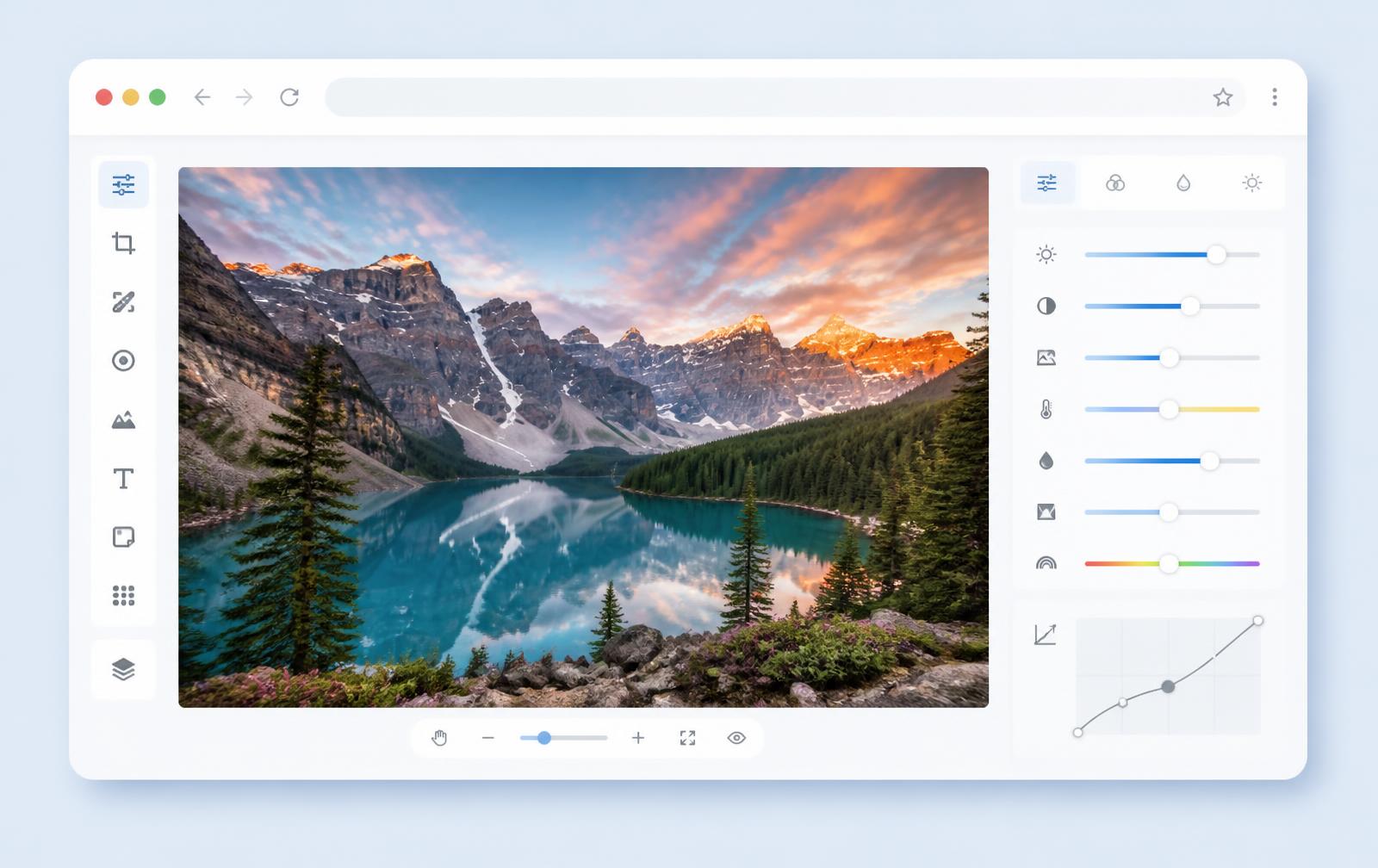
The editor workspace
A full toolkit — filters, crop, text, stickers and layers — in one clean canvas.
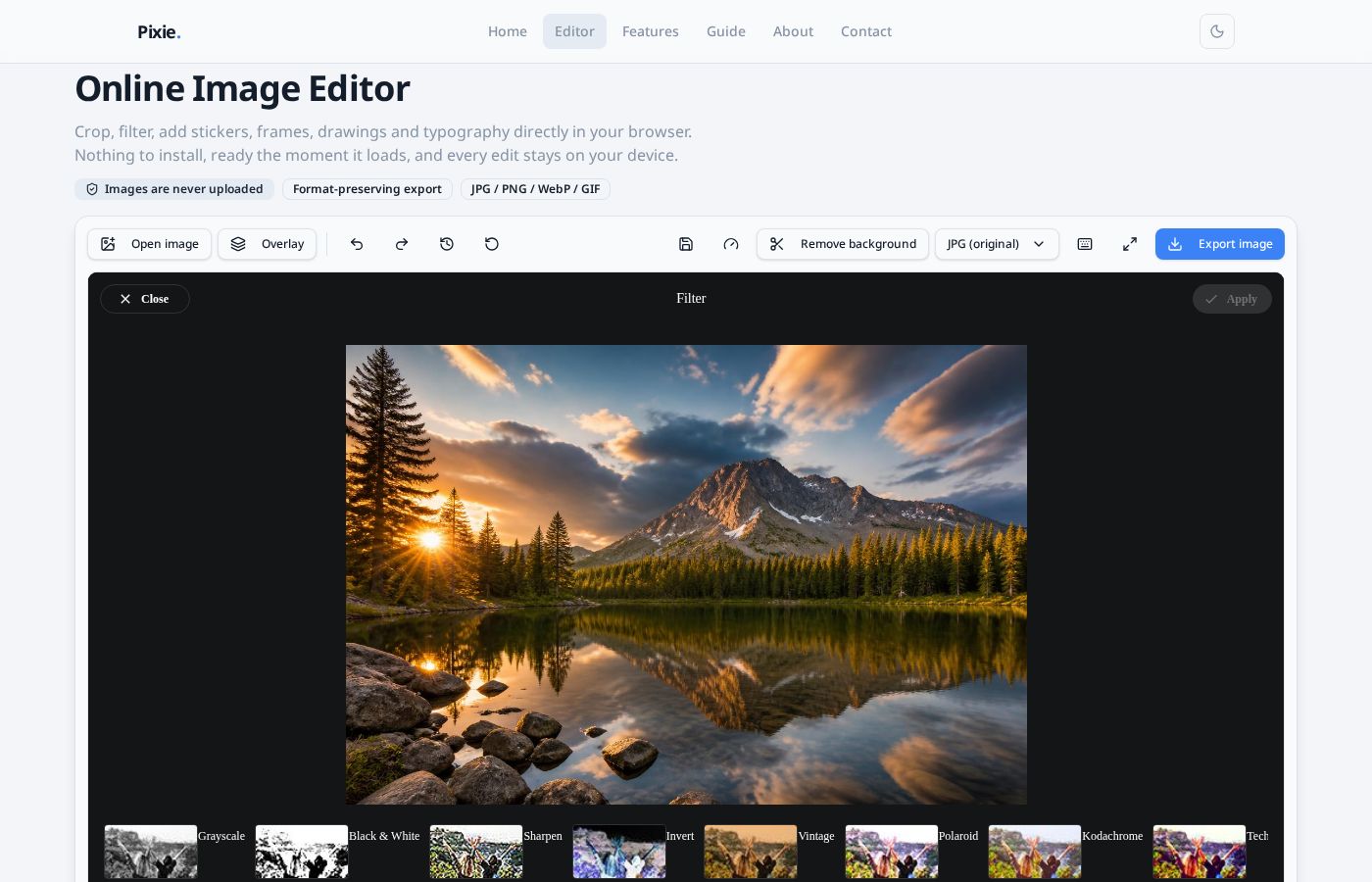
Filters in one click
Pick a preset, then fine-tune brightness, contrast, saturation and warmth.
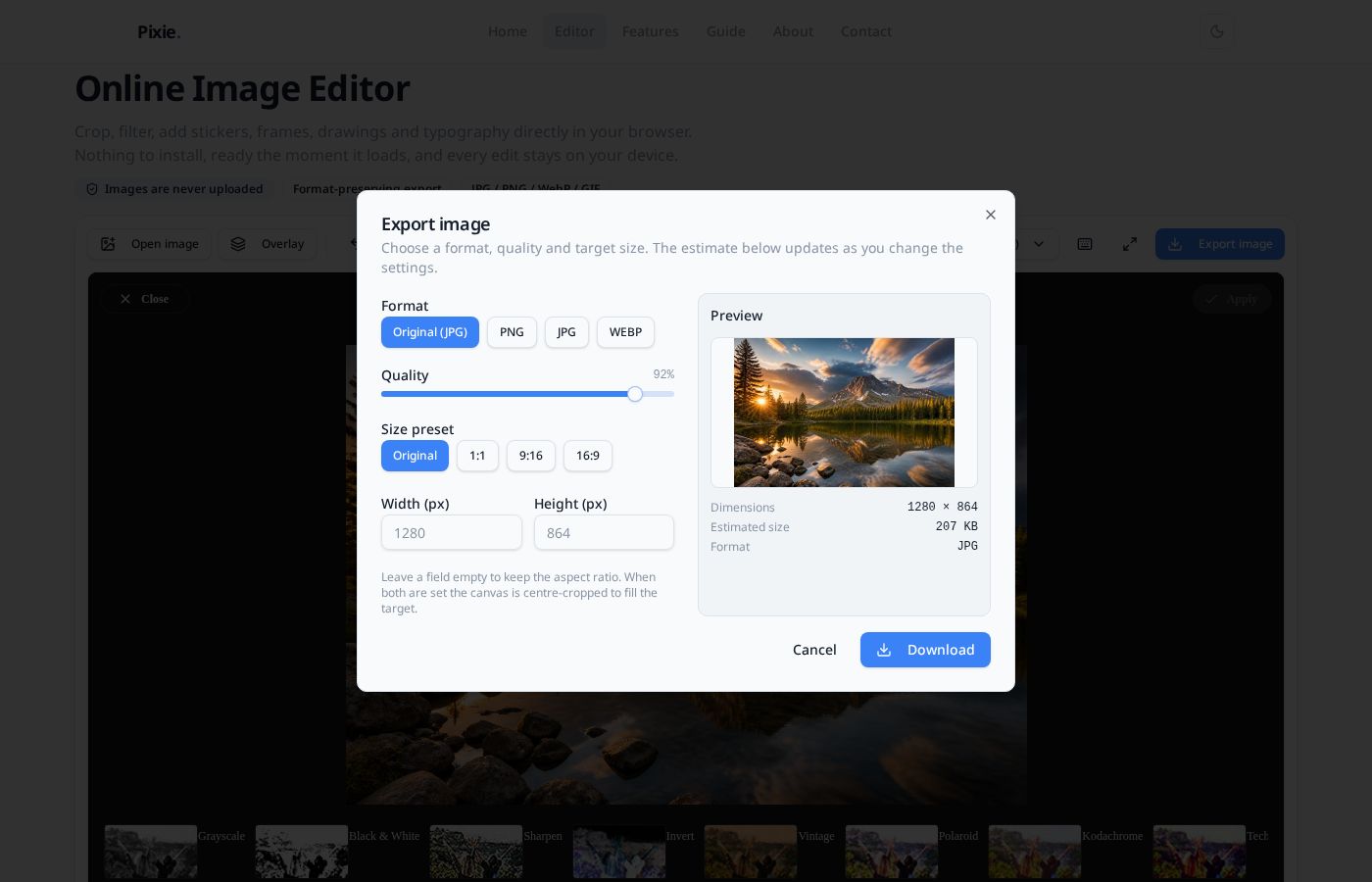
Export with confidence
Choose format, quality and dimensions with a live file-size estimate before downloading.
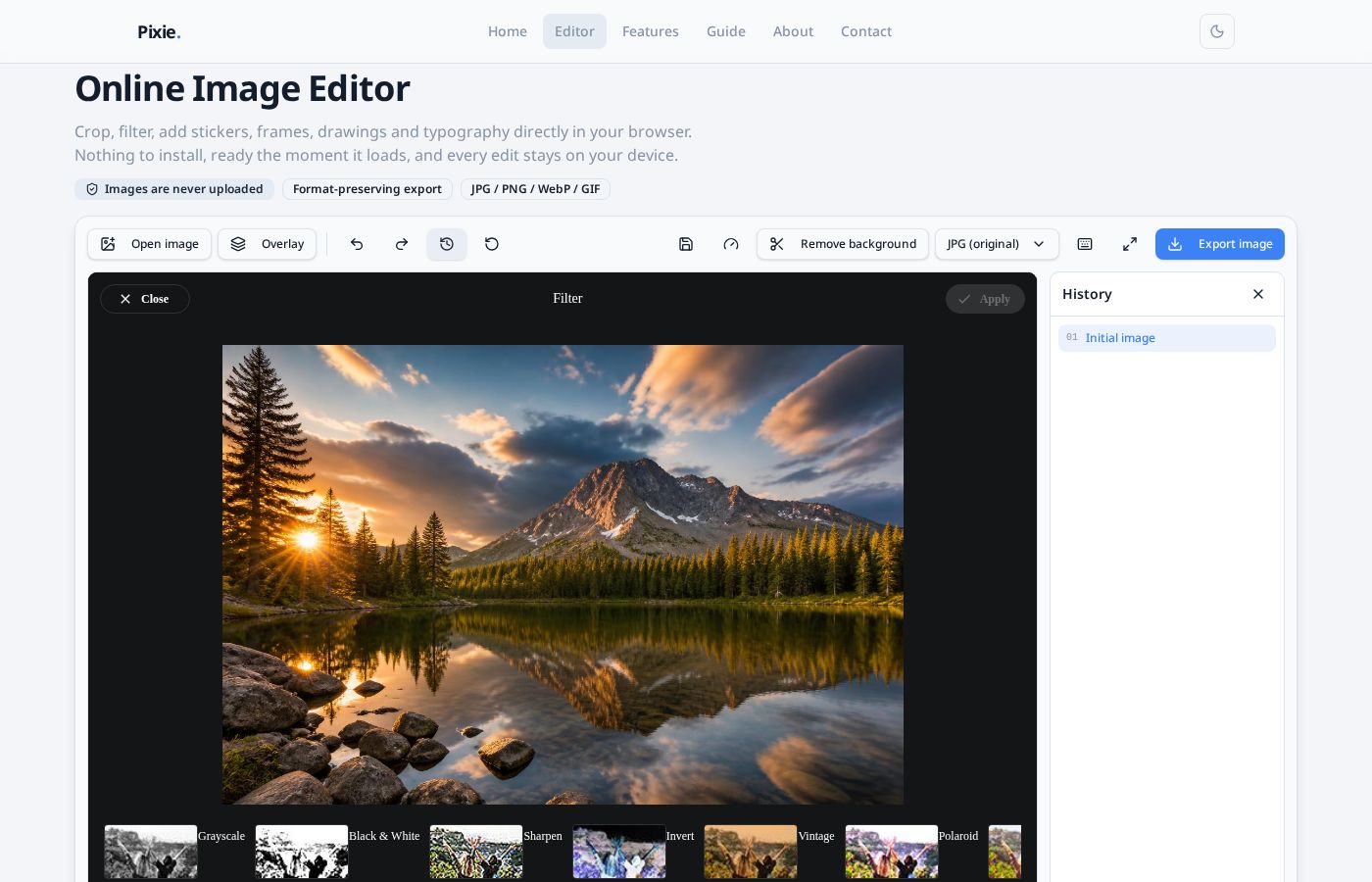
Visual history
Every step is captured as a thumbnail — click to jump back, no guesswork.
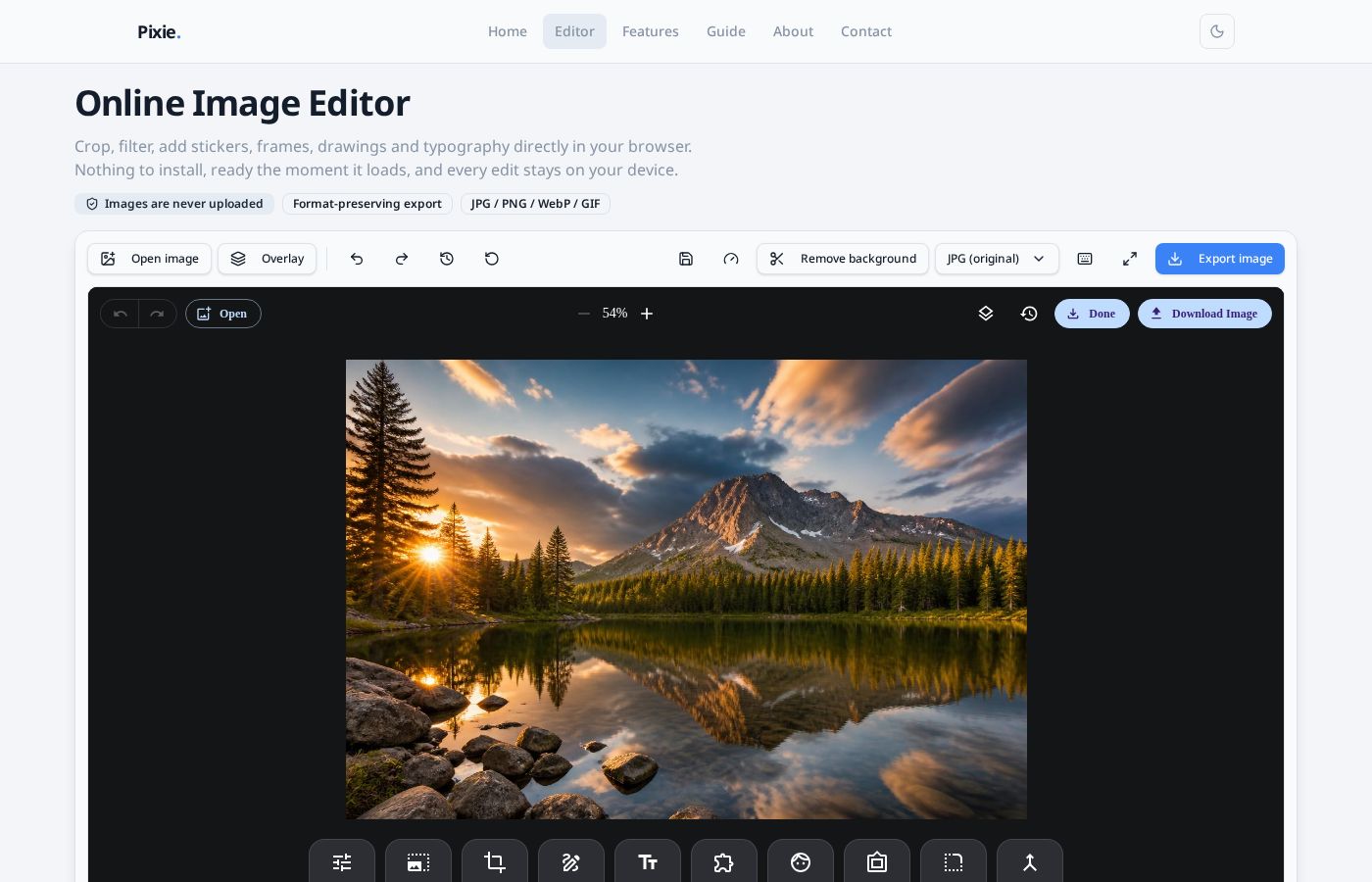
Open in seconds
Drag & drop, paste from the clipboard, or browse — editing starts instantly.
Supported image formats
Exports keep the format of the image you imported, falling back to PNG when the format cannot be detected.
| Format | Import | Export | Notes |
|---|---|---|---|
| JPG / JPEG | Yes | Yes | The common photo format, smaller file size |
| PNG | Yes | Yes | Supports transparency — great for icons and screenshots |
| WebP | Yes | Yes | Smaller files, broadly supported by modern browsers |
| GIF | Yes | Static frame | Animations export as the current frame |
| SVG | Yes | Rasterized | Vector artwork is rasterized after import |
Keyboard shortcuts
- Undo the last actionCtrl / ⌘ + Z
- RedoCtrl / ⌘ + ⇧ + Z
- Delete the selected text, sticker or shapeDelete
- Zoom the canvasScroll / pinch
Requirements
- •Recent versions of Chrome, Edge, Safari or Firefox recommended
- •Works on mobile — drag, pinch-zoom and rotate objects by touch
- •Very large images are best edited on desktop for stable performance
- •No plugins required and no legacy technology like Flash