 PPPP
PPPPImage editing, re-centred on you
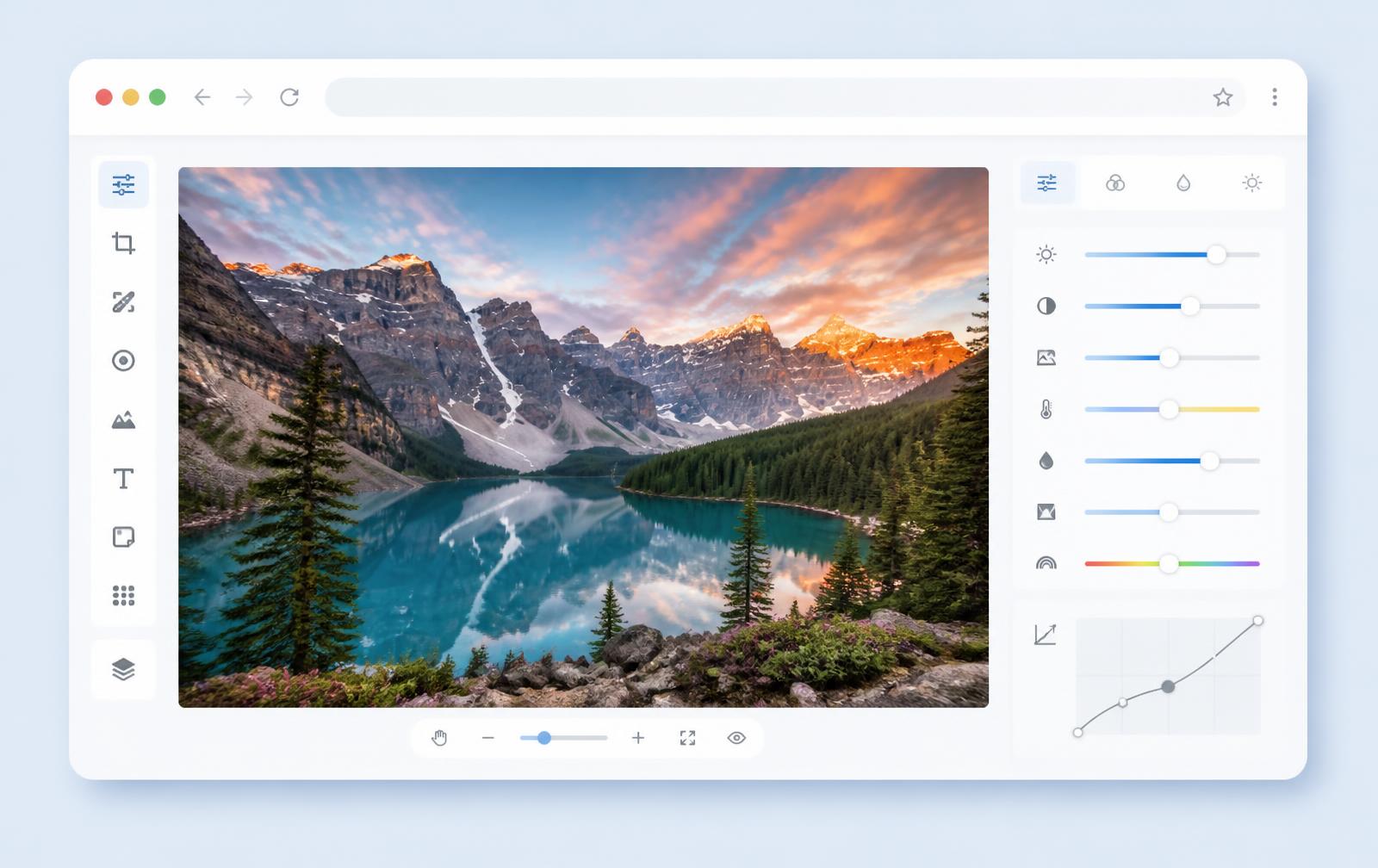
PPPP is a free image editor that runs entirely in your browser. Every crop, filter, layer and export happens locally on your device — no cloud upload, no account, no waiting.
Our mission
We want professional image editing to be as accessible as a web page. That means no barriers, no surveillance, and no forced subscriptions — just a fast, capable tool that respects your time and your privacy.
What we stand by
Six principles that guide every feature, decision and line of code.
Privacy first
Your images stay on your device. We never upload, store, or analyse your photos on a remote server.
Instant access
No install, no sign-up, no credit card. Open the editor and start working in seconds.
Desktop-grade tools
Layers, filters, cropping, text, stickers, shapes and drawing tools cover everyday edits to advanced retouching.
Zero data collection
We do not track your edits, require personal information, or sell any data to third parties.
Built for creators
From social-media posts to product photos, PPPP is designed for the jobs real people do every day.
Works everywhere
Modern Chrome, Edge, Safari and Firefox on Windows, macOS, Linux, Android and iOS.
How PPPP came to be
A short history of the project, from a single idea to a full editing platform.
Editing should be simpler
PPPP started from a simple frustration: opening heavy desktop software just to crop, resize or filter one image. We believed the browser could do more.
A complete editing surface
We rebuilt the interface around panels that feel natural — filters, adjustments, layers, text, stickers, shapes and freehand drawing — all in one place.
Private, powerful and publish-ready
PPPP now offers format-aware export, quality and scale controls, keyboard shortcuts, fullscreen editing, AI background removal and a complete website experience.
Editor highlights
- All-in-one toolkit
- Crop, rotate, filters, text, stickers, shapes and drawing in one tab
- Private by default
- Images stay on your device — no upload or account required
- Smart export
- PNG, JPEG or WebP with quality, scale and target-size controls
- AI background removal
- Remove backgrounds locally and feather edges for a clean cutout
- Fast workflow
- Drag & drop, paste, undo/redo, keyboard shortcuts and autosave
Made for makers
PPPP is maintained by a small team that cares about open, accessible software. We listen to feedback, ship improvements regularly, and keep the editor free for everyone.
- No venture-backed growth targets — just a useful tool.
- Feature requests drive the roadmap.
- Privacy and performance are non-negotiable.
Why browser-based?
Traditional editors force you to install large applications or upload images to the cloud. A browser-native editor gives you the best of both worlds: the power of a desktop app with the convenience of a web page.
Try PPPP for yourself
Open the editor, drop in an image, and see how fast browser-based editing can be.