 PPPP
PPPPOnline Image Editor
Crop, filter, add stickers, frames, drawings and typography directly in your browser. Nothing to install, ready the moment it loads, and every edit stays on your device.
Supported formats & limits
No hidden quotas and no server in the middle — here is exactly what you can import, export and how large you can go.
Import formats
JPG, PNG, WebP, GIF and SVG — via file picker, drag & drop, or clipboard paste.
Export formats
PNG (lossless, transparency), JPEG (small files) and WebP (smallest) — or keep the original format automatically.
Size recommendation
Everything runs on your device, so performance depends on your hardware. Images up to ~15 MB or 6000 px work smoothly on most computers; larger files may feel slow when applying filters.
No upload, no quota
There is no server-side file limit or daily quota — the only ceiling is your browser's memory, and you can edit as many images as you like.
Tips & frequently asked questions
A few small habits make editing faster and the result closer to what you had in mind.
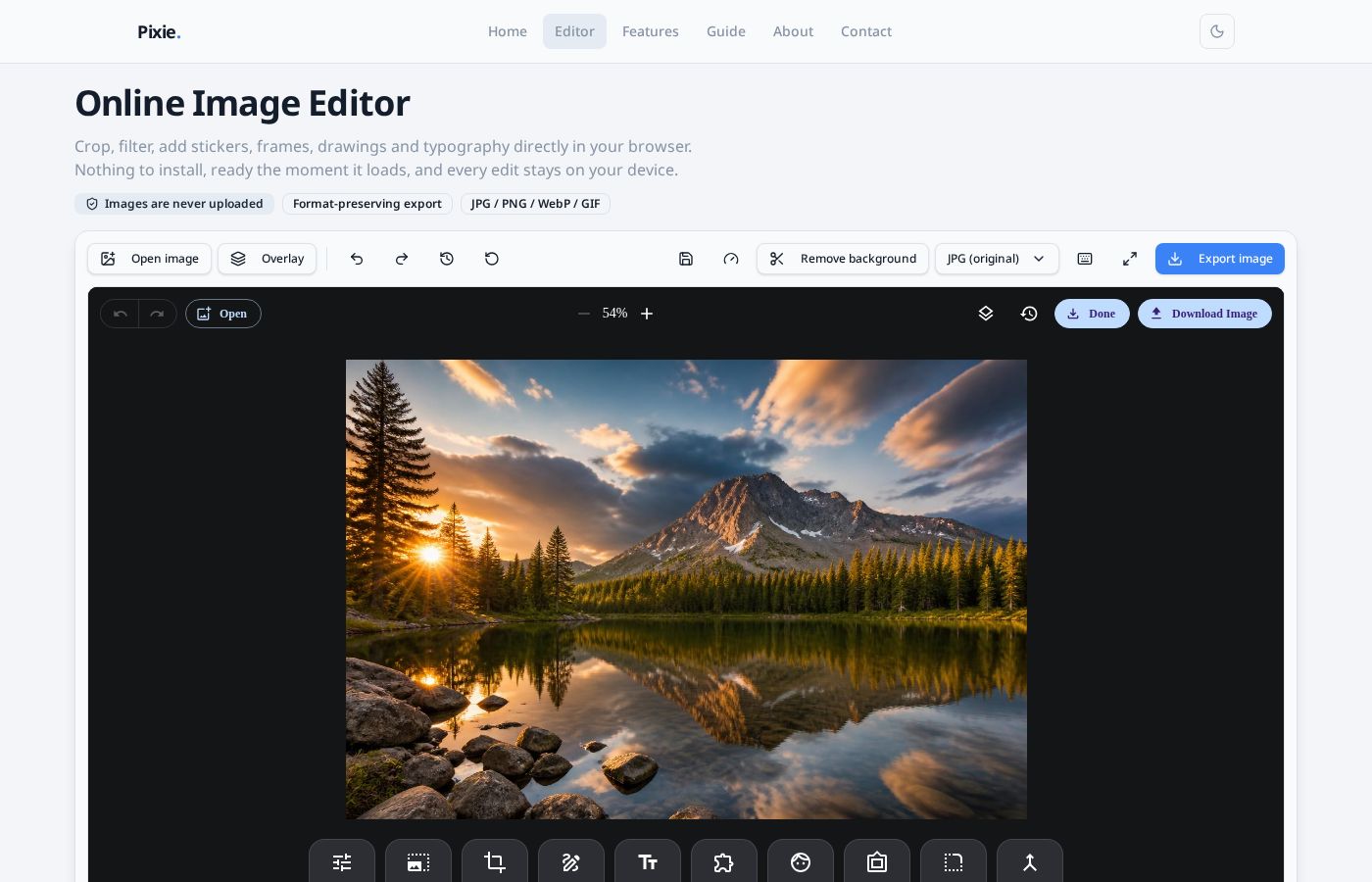
Open, drop or paste an image
Click Open image, drag a file onto the canvas, or paste straight from your clipboard (Ctrl / ⌘ + V). Your original format is detected automatically.
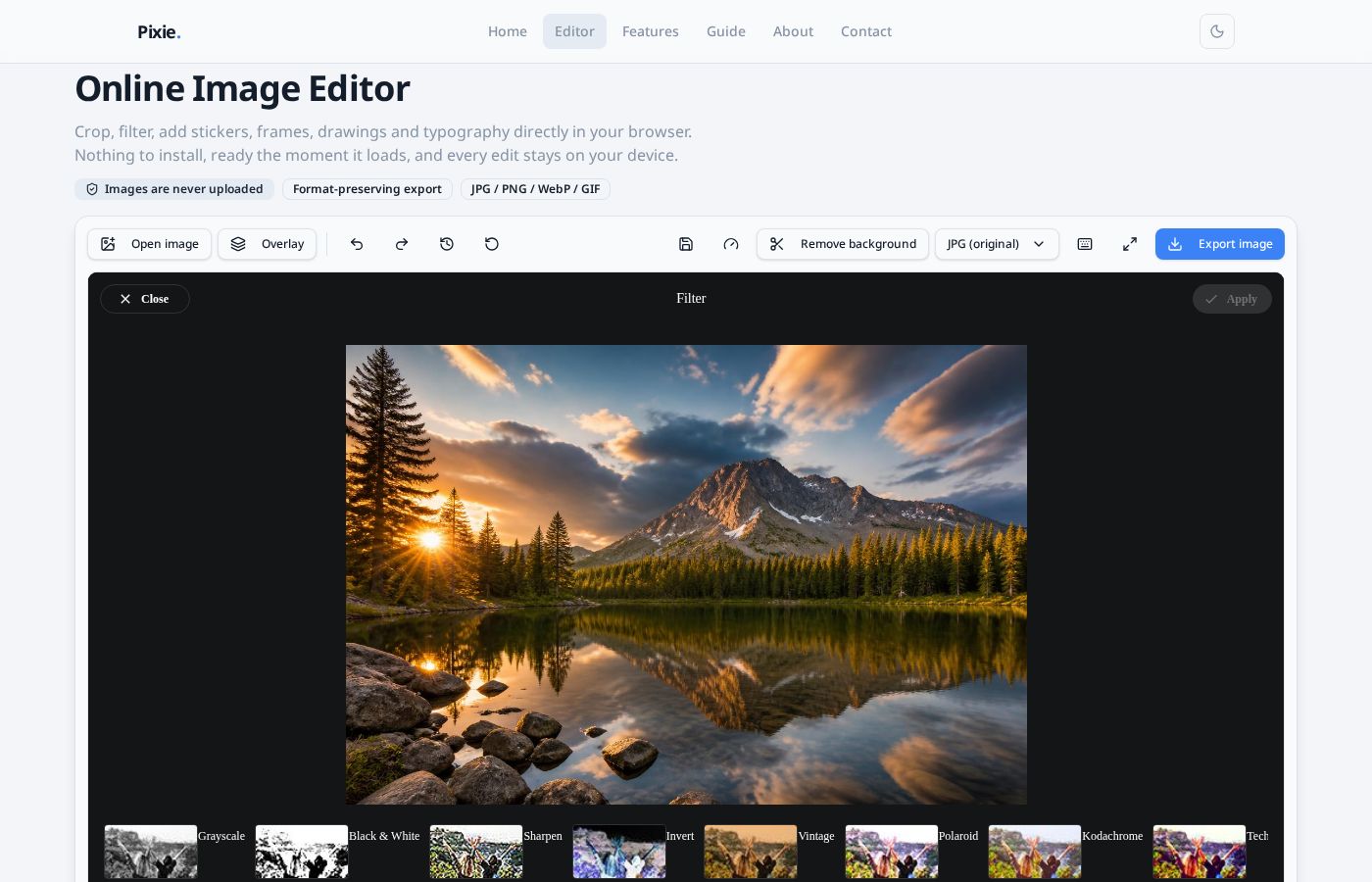
One-click filters
The filter strip previews every look on your actual image — Grayscale, Vintage, Polaroid and more. Tap a thumbnail, then Apply.
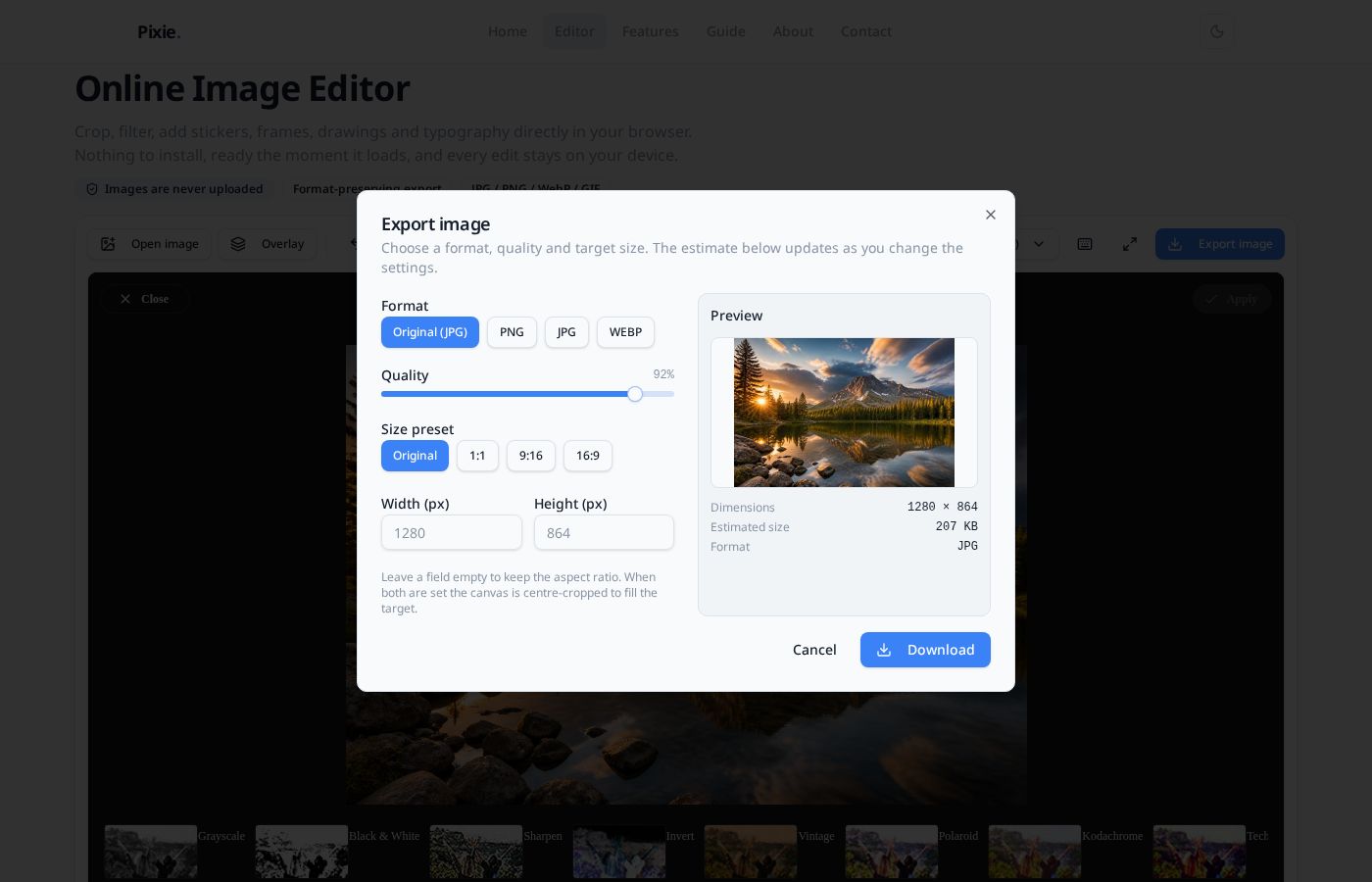
Export presets and size targets
Open the export dialog to pick a format, tune quality and set an exact width and height — with a live preview and file-size estimate before you download.
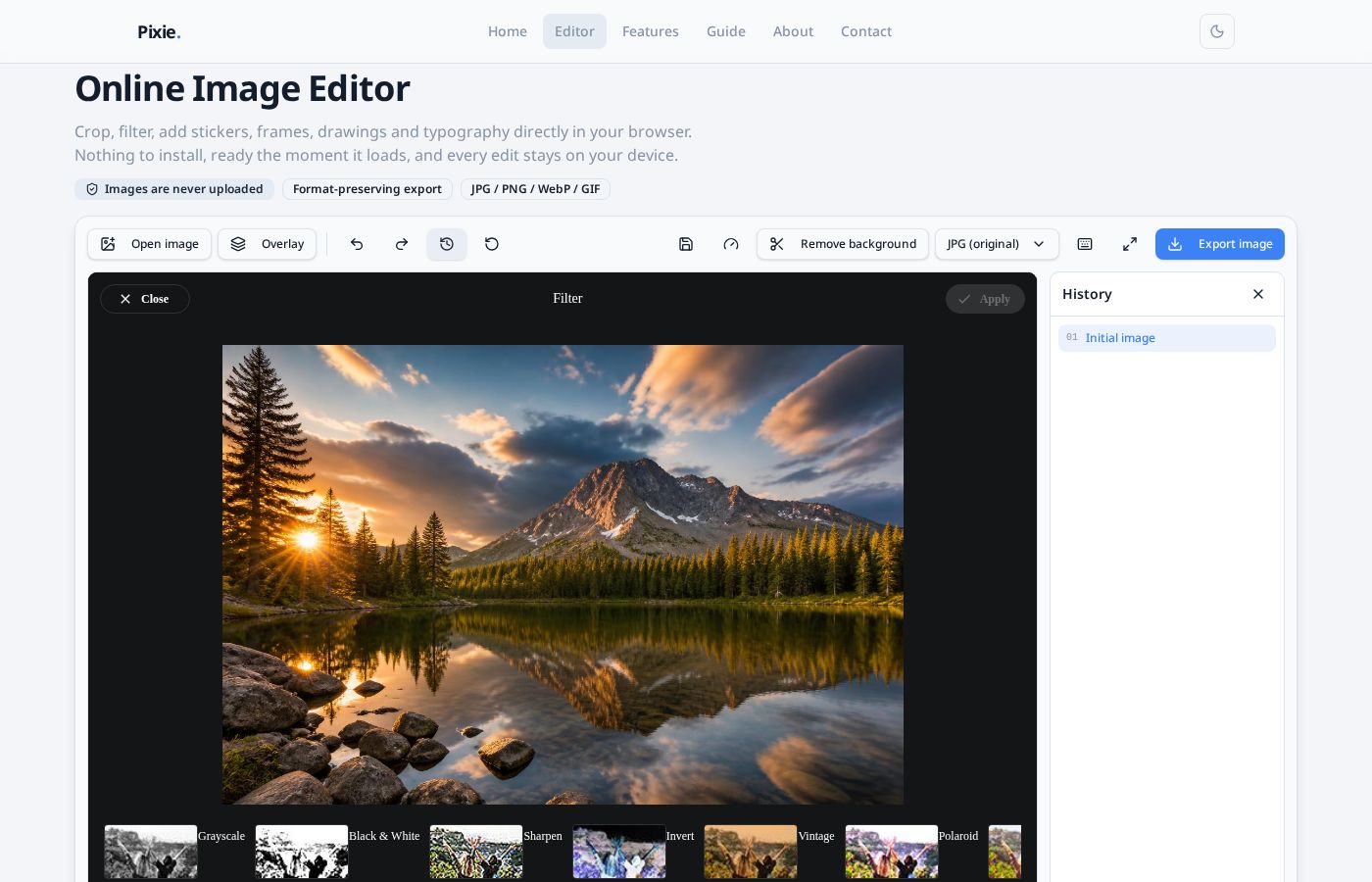
Visual history
Open the history panel to see every step you have taken and jump straight back to any earlier state instead of pressing undo repeatedly.
Drafts survive a refresh
Your work is snapshotted to this browser's local storage every few seconds. Reload the page and you can restore the last draft in one click.
Privacy note
Images are processed only in your browser and never uploaded to a server. Drafts stay in this device's local database and can be cleared any time.